
Hardware error codes are supposed to be helpful. Usually, they are. But sometimes, they are just symptoms of a completely different problem.
My primary workstation is a custom build from late 2021, and despite the “Gaming” branding on the ASUS ROG X570-E motherboard, it’s strictly a workhorse. It manages a massive 100 TB RAID Array, handles virtualization, and runs local LLMs on an RTX 4090 apart from the daily development work I do on this workstation. It’s been running flawlessly for years.
Recently, however, the system started behaving erratically. I was getting random hard reboots—no kernel panic logs, just a black screen followed by a hang at BIOS initialization.
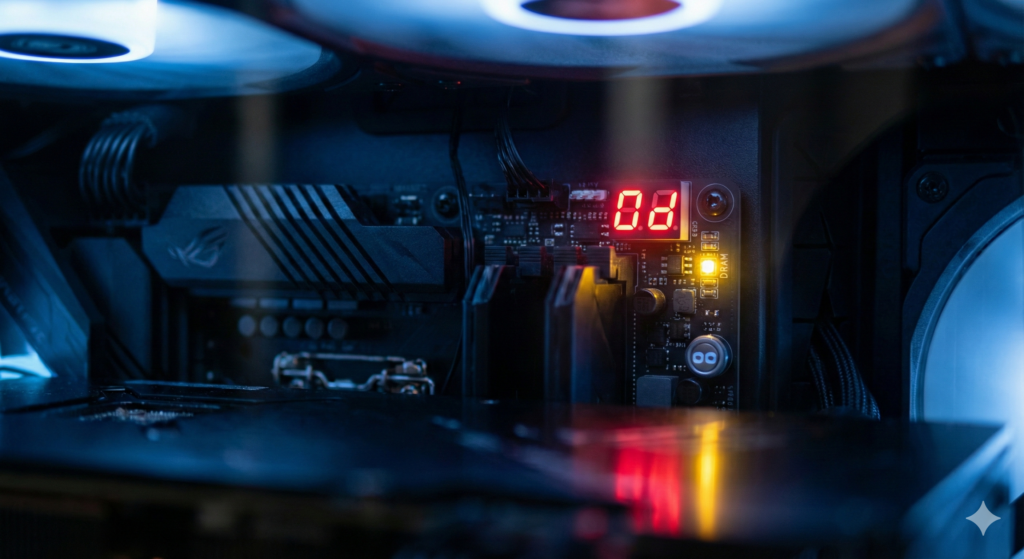
The motherboard Q-Code display showed 0d. Next to it, the yellow DRAM LED was solid.
According to the manual, 0d is a “Reserved” code, often associated with memory training failures or cache coherency issues. The board was effectively telling me my RAM or CPU was dead.
Phase 1: Ruling Out the Usual Suspects
Since the board insisted it was a memory issue, I started there.
I didn’t want to waste time with half-measures, so I pulled the existing 128GB kit and swapped it with a known-good kit from my secondary desktop. I had already verified that spare kit with a full pass of MemTest86, so I knew it was clean.
Result: The system still crashed.
Next, I assumed I might be pushing the memory controller too hard. I dropped the frequency from 3400 MHz down to the JEDEC default of 2666 MHz.
Result: Still crashing.
At this point, I started suspecting the CPU. I dismantled the cooling loop, cleaned the block, and reseated the Ryzen 9 5950X to rule out bad mounting pressure or pin contact issues.
Result: Crash.
To verify stability, I ran s-tui and stressed the CPU for several hours. Surprisingly, the system was rock solid. It handled the synthetic load perfectly. If the memory or CPU were actually failing, a 6-hour stress test should have forced an error.
Phase 2: The Storage Investigation
If the hardware could handle a synthetic load, the crash had to be tied to a specific workload. I realized the reboots weren’t happening during LLM inference or compilation; they were aligning perfectly with the automatic mdadm RAID consistency checks.
This shifted my suspicion to the storage backplane. If a drive locks up the bus during a scrub, it can sometimes hang the kernel.
I spent the better part of a day running smartctl -t long on every single drive in the array (/dev/sdb through /dev/sdi).
Result: All PASS.
This was the frustration peak. RAM passed. CPU passed. Drives passed. Yet, every time the RAID scrub ramped up, the system would hard reset and fail to post with that stubborn 0d code.
Phase 3: The Thermal Correlation
I took a step back to analyze the conditions. The system was stable under high CPU load but unstable during high Disk I/O.
I fired up s-tui again and forced a manual RAID check to replicate the crash. This time, instead of watching the CPU temps, I checked the other sensors on the board.
- Chipset (PCH): 100.0°C
- PCH Fan: 0 RPM
The X570 chipset is known for running hot, which is why most boards from this era included a dedicated active fan for the Southbridge. Mine had seized.
The Fan Paradox
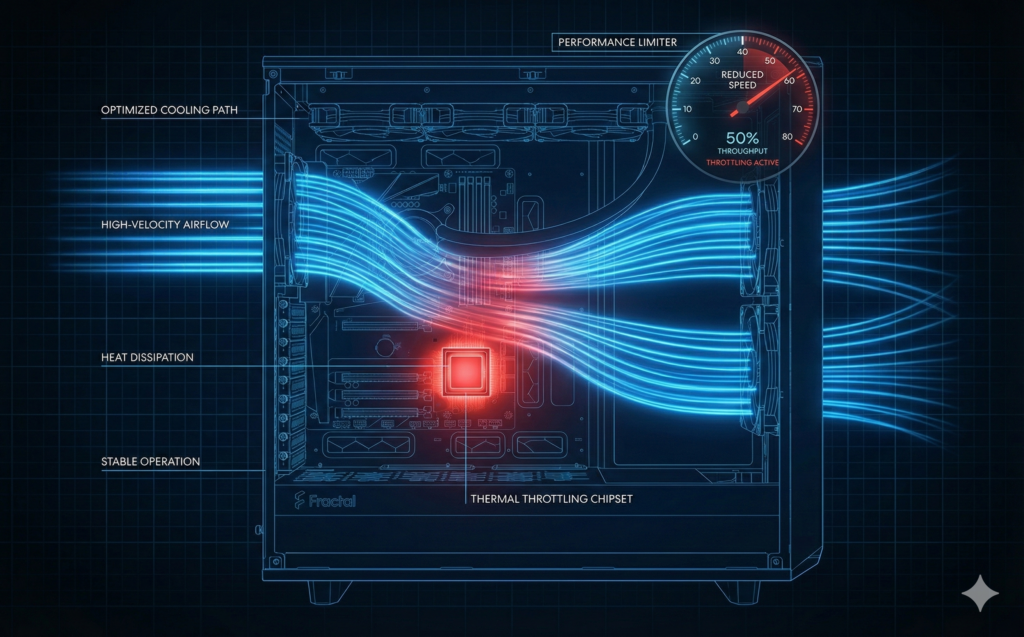
This explained the confusing behavior. The system was crashing because it was too efficiently cooled.
When I ran heavy CPU stress tests, the motherboard ramped up the front intake fans and rear exhaust. This created enough ambient airflow to keep the passive heatsink on the chipset below its thermal throttle point.
During a RAID check, however, the CPU is mostly idle. The motherboard sees a cool CPU (35°C) and spins the case fans down to “Silent” profiles. With the case fans barely moving and the dedicated PCH fan dead, the chipset baked itself.
As soon as the PCH hit ~105°C, it triggered a thermal hardware trip.
Why the “0d” Error? When the system rebooted immediately after the thermal trip, the chipset was still sitting at boiling point. The boot process requires the CPU and Chipset to train the memory. Because the PCH was thermally compromised, it couldn’t complete the handshake. The board halted, threw code 0d, and blamed the RAM.
The Fix
The proper fix involves tearing down the entire build to replace the chipset fan, but I can’t afford that downtime right now. I needed a workaround that addressed the physics of the problem.
Simply ramping up the case fans to 80% helped, but the PCH still hovered near 90°C during a full scrub. I had to throttle the workload itself.
I limited the RAID check speed to ensure the I/O throughput didn’t overwhelm the passive cooling capacity:
echo 100000 > /proc/sys/dev/raid/speed_limit_maxCode language: JavaScript (javascript)Final Results:
- Airflow: Front fans locked to 80% minimum.
- Throttling: RAID scrub limited to 100MB/s.
- Temperature: Chipset stabilized at 83°C.
- Stability: The check finished without a single crash.
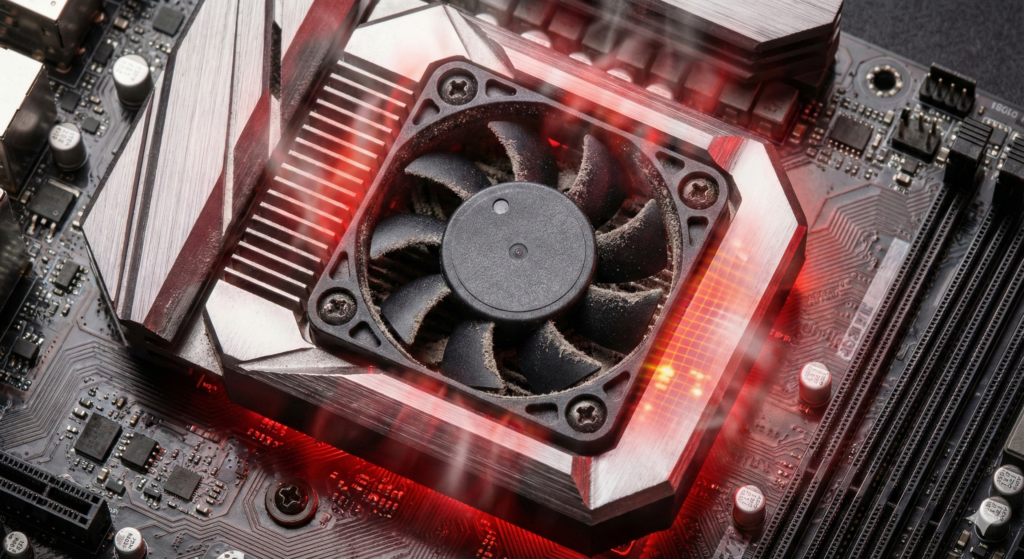
Lesson Re-learned: This isn’t the first time I’ve been down this road. If your motherboard gives you a specific error code, trust it—but verify the conditions that cause it. Sometimes a “Memory Failure” is just a chipset screaming for air.